
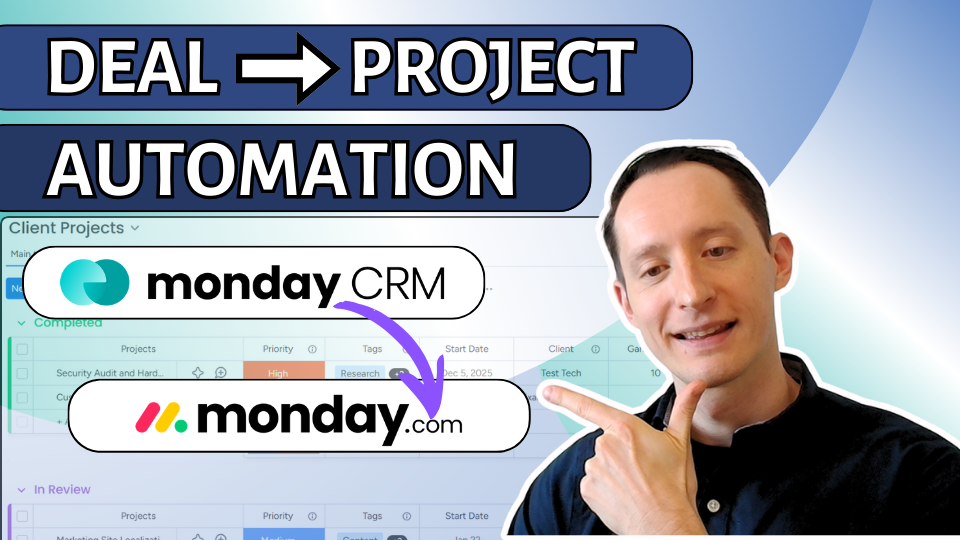
From Closed Deal to Project Kickoff: Fully Automated in monday CRM
Closing a deal is exciting. Manually creating a project from scratch...Not so much.
In this video, I’ll show you how to automatically convert a closed deal into a fully structured client project inside monday CRM. This way, your sales to service/project operations handoff happens instantly, consistently and reliably every single time.
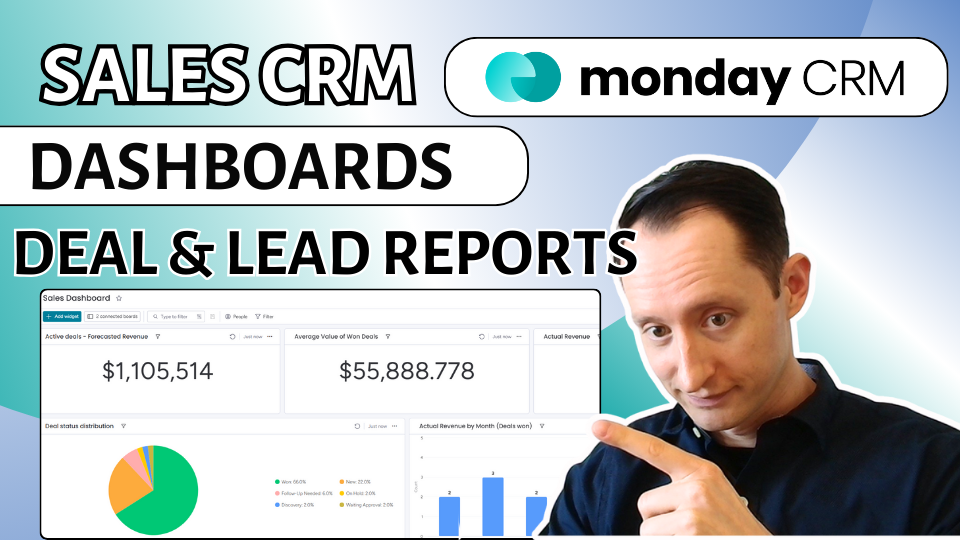
How to Setup monday CRM Dashboards: Step-by-Step Tutorial for Leads & Deal Revenue
In this video, I walk through how to build lead and deal dashboards in monday CRM. The default sales dashboard is helpful but it does not include a lot of essential metrics especially lead attribution. These dashboards will answer questions like... Where are your leads are coming from? How many leads are you getting each month? How much revenue are you actually closing? What’s sitting in your pipeline right now?
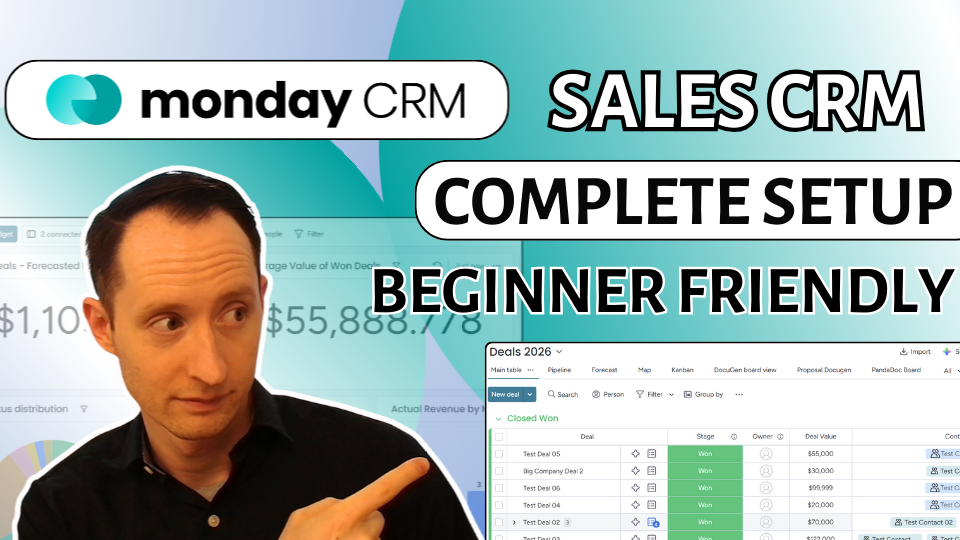
How to Setup monday CRM: Step-by-Step Complete Tutorial
Just getting started with monday.com CRM? Or, thinking about switching CRMs and want to see how monday actually works in practice?
In this video, I walk you through a complete monday CRM setup from scratch, step by step. We cover everything you need to go from a blank CRM to a fully connected system for leads, contacts, deals, accounts, and automations.
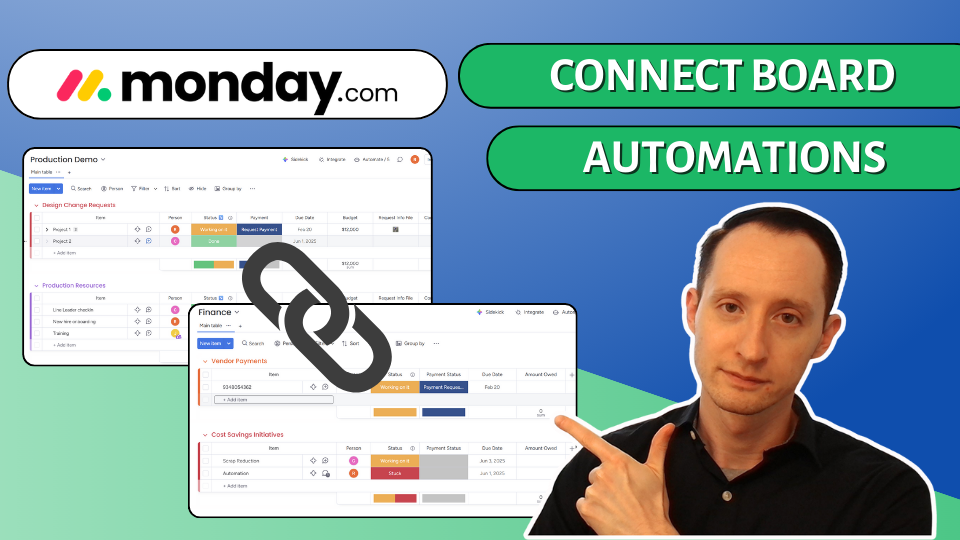
monday.com Connect Board and Mirror Columns: How to setup & Automate
The Connect Boards and Mirror Column features in monday.com are incredibly powerful but also a bit confusing to set up.
If you’ve ever struggled to connect two boards, mirror data or keep data in sync between teams, this guide breaks it down step by step.
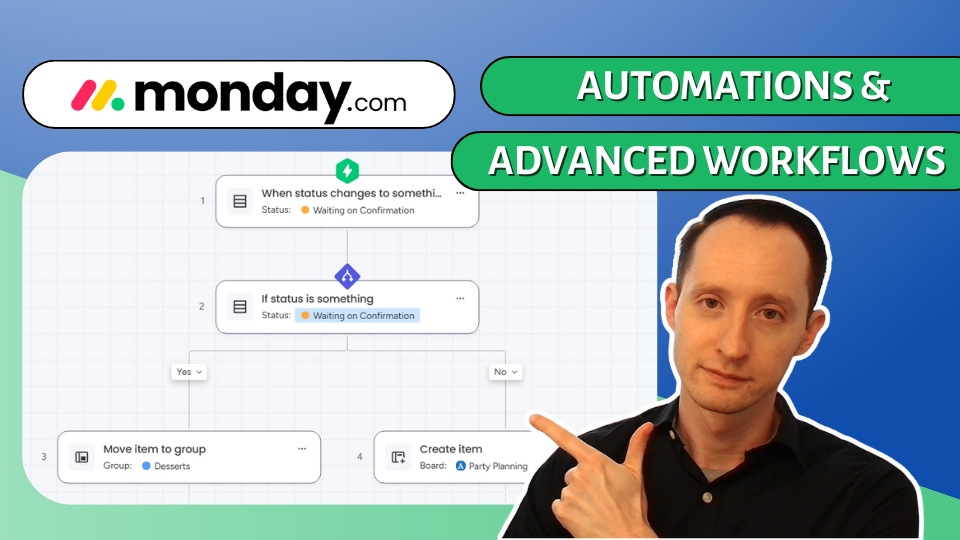
monday.com (No Code) Automations: Beginner to Advanced Tutorial
Automations are one of monday.com’s most powerful features. You can save your teams 100s of hours per month without knowing a single line of code.
In the video below, I’ll walk you through monday.com automations from beginner to advanced, starting with simple status-based rules and ending with full multi-board workflows with if/else conditions.
How to Send Emails from monday.com Subitems (2 Proven Methods)
In this video, we break down two proven ways to send emails from monday.com subitems. First, we show how to use monday.com Advanced Workflows for a clean, no-code solution that works well for straightforward use cases. Then, we walk through a more flexible approach using make.com, which gives you full control over attachments, retries, delays, and more advanced logic
Automate monday.com Board Items to Google Sheets Using make.com
In this video, we walk through a practical, real-world example showing how to automatically send new items from monday.com into Google Sheets using make.com.
The best CRM & Phone Calling Solution: Aircall + monday.com CRM Integration & Setup
In this guide, I’ll walk you step-by-step through how to set up the Aircall integration, configure call logging, create dispositions, sync contacts, and make sure everything flows perfectly between monday CRM and your phone system.

The Best Way to Keep Teams on Track with monday.com
The Best Way to Keep Teams on Track with monday.com

monday.com Enterprise Plan Is it Worth it?
monday.com enterprise plan. Is it worth it? Pro vs Enterprise comparison.

monday.com Issue Tracking for manufacturing, operations and plant management
monday.com Issue Tracking for manufacturing, operations and plant management.

Service Work Project Tracking - Skilled Trades, Maintenance, Electricians, Plumbers, HVAC
monday.com Service Work Project Tracking - Skilled Trades, Maintenance, Electricians, Plumbers, HVAC


monday.com CRM Pro Plan Overview - See What you get Before you Buy!
monday CRM Pro Plan Overview - See What you get Before you Buy!

Which monday CRM Plan is Right for you?
Learn more about monday.com CRM’s pricing plans
Which one is best for your team, pros and cons
